A Live Website Without Routine Checks
Pages may load while contact forms, notifications or payment functions quietly fail.

Your website needs attention long after launch. BlueBit provides WordPress and WooCommerce maintenance, carefully tested updates, backups, troubleshooting and checks of business-critical functions. Our goal is to reduce avoidable interruptions and keep your website ready for customers.

A broken contact form, a failed checkout or an incompatible update can interrupt enquiries and sales. Regular maintenance helps identify issues earlier, assess their impact and resolve them through a controlled process.
Pages may load while contact forms, notifications or payment functions quietly fail.
A plugin or theme update can disrupt an essential feature if dependencies are overlooked.
A backup is useful only when essential data is included and the recovery procedure is understood.
The scope of each agreement reflects the website, business priorities, integrations, custom features and hosting environment.
Version reviews, theme and plugin compatibility checks, testing of important changes and rollback planning.
Investigation of display errors, plugin conflicts, broken forms, admin issues and problems following changes.
Backup schedules matched to how often data changes, with attention to recovering essential information.
Review of admin accounts, basic security settings, suspicious changes and known vulnerabilities.
Checks of key pages, visible errors, loading performance and availability, followed by issue tracking.
Review of checkout flows, order statuses, payment gateways, inventory behavior and customer notices.
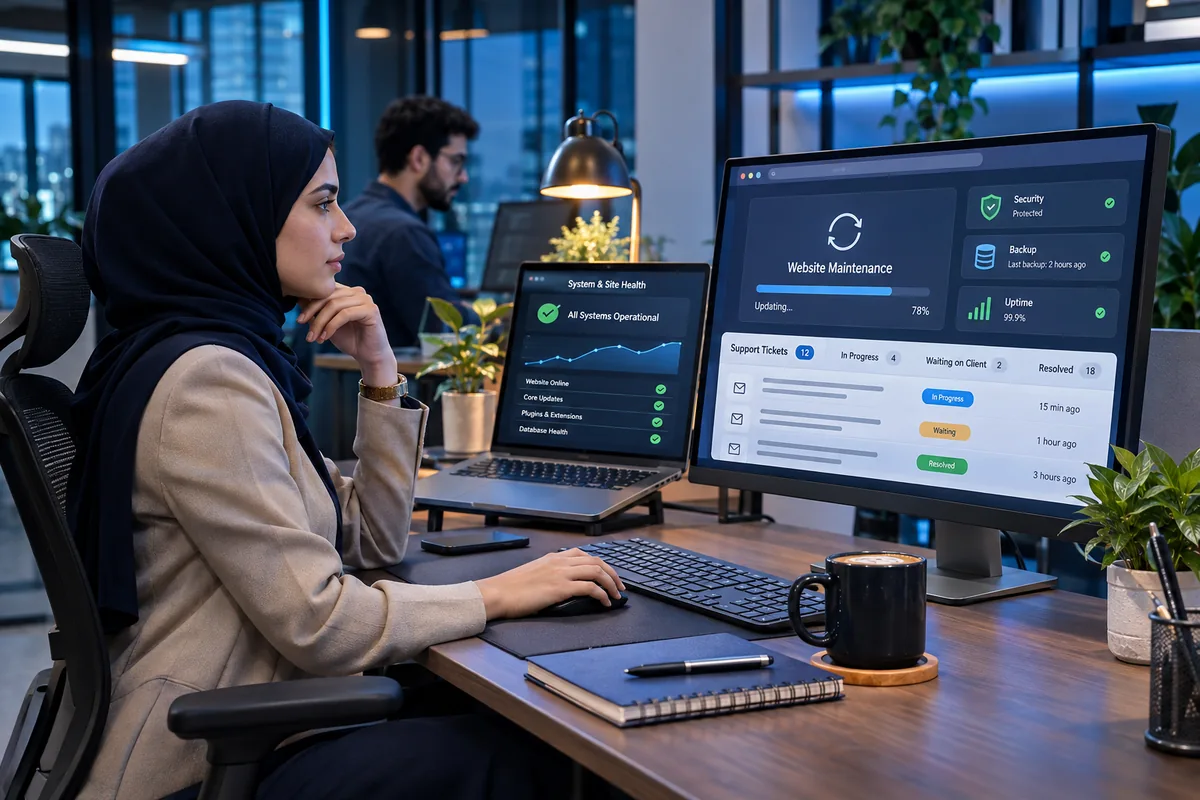
For an online store, the checkout, order emails, customer accounts and order management must work as expected. For a corporate website, enquiry forms and lead delivery are equally important. We focus maintenance on the paths your customers actually use.
We prioritize incidents according to their impact on users, business operations and data—not simply the order in which requests arrive.
We assess the operational impact, investigate likely causes and coordinate next steps with relevant providers.
Problems affecting enquiries, notifications, the dashboard or custom features receive priority based on business impact.
Non-urgent improvements, minor corrections and compatibility reviews are handled within an agreed maintenance schedule.
Website maintenance is a process, not a one-time update. A business website depends on multiple moving parts: WordPress core, themes, plugins, hosting, third-party services and the workflows built around them. Updating one component without understanding these dependencies can create problems elsewhere. A reliable maintenance plan combines technical checks with a clear record of changes and a practical way to recover when something goes wrong.
Backups and testing work together. Backup frequency should reflect how often the site changes. A brochure-style website may have different recovery requirements from a WooCommerce store processing new orders every day. Before applying significant updates, it is worth reviewing current backups, testing the most important journeys and knowing which changes can be rolled back safely. These precautions help reduce the risk of losing business-critical information.
WooCommerce maintenance needs an operational perspective. A storefront can appear healthy while customers cannot complete payments or receive order notifications. That is why product selection, cart behavior, checkout, payment status and essential emails deserve attention. Websites with custom pricing rules, membership features or integrations may need more focused testing. When deeper code changes are necessary, our WordPress and WooCommerce development service can address them as a separate project.
Security and performance require continuous judgment. Access permissions, outdated components, unexpected changes and recurring errors can all affect reliability. Maintenance includes reviewing known issues, applying appropriate fixes and deciding which improvements belong in a planned release. If slow page loading or difficult-to-diagnose failures emerge, we can also recommend website speed optimization or technical troubleshooting.
The best support arrangement matches the actual business. An agency-managed corporate website and a high-traffic online store do not need identical coverage. Defining business-critical functions, the expected response process, update windows and reporting requirements creates a more useful maintenance agreement. BlueBit begins by reviewing the website and discussing which tasks should be recurring, which require approval and which should be quoted separately.
The right model depends on your website's importance, frequency of changes and required level of technical care.
Best when you need diagnosis and resolution of a clearly defined technical problem.
For organizations that prefer scheduled checks, structured maintenance and a clear support process.
Maintenance pricing is proposed after reviewing the technical environment, essential functions, coverage hours and agreed responsibilities. New feature development, content production and ongoing SEO can be scoped separately.
We assess hosting, WordPress, the theme, plugins, access permissions and known issues.
We define recurring tasks, exclusions, request channels and priorities.
Updates, repairs and health checks proceed according to agreed priorities and access.
We summarize completed work, important changes and items requiring a business decision.
Support services are tailored to the website and its technical condition. Here are answers to common questions.
Ask BlueBit a Question →Yes. We can review existing websites even if another team built them. First, we assess the WordPress setup, plugins, access and current issues to define the scope responsibly.
They can be included in an ongoing agreement. For sensitive websites, we review compatibility and rollback options before making important updates.
In addition to general website health, a store needs checks of checkout, payments, order status, inventory and customer notifications. The exact checks depend on its features.
Not by default. Coverage hours, request channels and initial response targets are agreed in advance. Around-the-clock support requires a separate agreement and appropriate resources.
Pricing depends on the type of website, plugins, integrations, technical history, change frequency and support coverage. We provide a proposal after an initial technical review.
Major redesigns and new custom features are usually quoted as separate projects. Any changes included in a maintenance agreement should be clearly defined upfront.