Important Pages Are Not Indexed
Noindex directives, incorrect canonical tags, weak internal linking, or poor site structure can keep valuable URLs out of search results.

A WordPress website can publish valuable content and still struggle to attract qualified search traffic. At BlueBit, we look beyond green indicators in SEO plugins. We review indexing, website architecture, internal links, technical performance, and search intent to make important pages easier for people and search engines to discover.
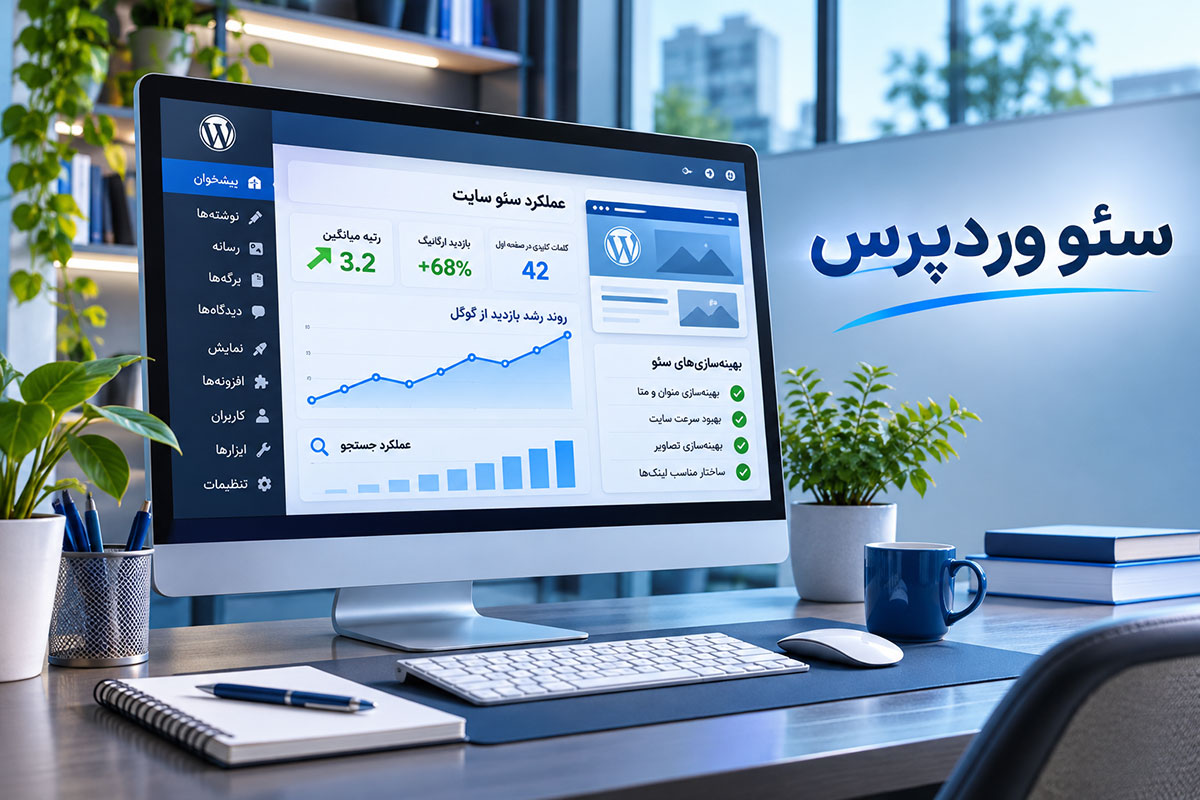
Some issues come from WordPress settings, while others involve content structure, theme performance, or technical conflicts. Each problem needs a targeted solution.
Noindex directives, incorrect canonical tags, weak internal linking, or poor site structure can keep valuable URLs out of search results.
Unplanned category, tag, author, or internal search archives may produce low-value URLs and dilute the focus of important pages.
Heavy scripts, inconsistent heading hierarchy, and plugin conflicts can interfere with usability, rendering, and technical SEO.
We compare published URLs with search visibility and crawl signals, then prioritize the technical fixes with the strongest business impact.
WordPress makes publishing easy, but every important page should serve a clear purpose and answer a specific customer need.
Find out which important URLs are missing from search and why.
Review title templates, canonical URLs, sitemaps, and metadata.
Reduce unnecessary archives and build clearer topic relationships.
Assess images, fonts, caching, and Core Web Vitals.
Match pages to search intent and connect related topics naturally.
Google Search Console shows which pages receive impressions and clicks, but it does not explain every problem. We combine search data with WordPress settings, internal linking, page quality, and the intent behind a query.
For example, a page with impressions but few clicks may need a clearer title or better alignment with the query. A page missing from the index needs a different investigation. We do not treat these separate issues as if one generic fix could solve both.
WordPress SEO services begin with the structure of the actual website. Homepages, service pages, blog posts, taxonomies, and landing pages need distinct search purposes. When several URLs target the same intent, content can compete with itself. We clarify each page's role first, then improve navigation and internal links instead of adding more pages without a plan.
Search intent should guide the relationship between service pages and educational content. A strong WordPress SEO strategy does not send every query to the homepage. It gives prospective customers an appropriate destination, with clear context, useful navigation, and a next step that makes sense for their needs.
An important part of WordPress search optimization involves controlling indexation. We examine Yoast settings alongside robots.txt, XML sitemaps, canonical URLs, and legacy redirects. When a valuable page moves to a new slug, its redirect and internal links should follow. Changing URLs without a migration plan can disrupt useful search and referral pathways.
Crawlability is not the same as indexability. Search engines need access to important URLs, but they also need signals that those pages are distinct and worth showing. We inspect unwanted archive pages, thin duplicates, pagination, and internal links so the website presents a more coherent set of destinations.
For technical WordPress SEO, themes and plugins matter. A large image, a broken mobile menu, or scripts that delay interaction can reduce the quality of a visit. Performance fixes should be tested against contact forms, product filters, and checkout flows. Our website speed optimization service can address these performance issues in more detail.
Technical changes are safest when they are measured and reversible. Before modifying caching, theme assets, or plugin behavior, we identify relevant dependencies and test real user tasks. A performance improvement only counts when the site still works for visitors who want to enquire, browse products, or complete an order.
With WordPress content SEO, keyword research must inform page architecture. An informational query may need a useful guide, while a service-led query should land on a clear commercial page. Good copy answers real questions, and heading levels should reflect meaningful topics rather than being added for decoration.
Internal linking is also a practical usability tool. Helpful links between related service pages, case studies, and supporting guides let users move from an initial question to a relevant solution. For search engines, these links reinforce page relationships and make important content easier to find without relying on excessive menus.
Finally, the cost of WordPress SEO depends on website size, existing content, technical debt, search competition, and project scope. A smaller corporate site may need stronger service pages and contact paths. A WooCommerce store also needs category, product, filter, and availability considerations. We evaluate progress through qualified traffic, key-page performance, and business enquiries, not guaranteed first-place rankings.
A useful SEO report connects technical work to observable change. We can track index coverage, impressions, clicks, landing-page engagement, and enquiry paths where the necessary analytics are available. These signals help us decide what to test next while avoiding misleading claims based on isolated ranking movements.
Review index coverage, theme and plugin behavior, important URLs, and critical pages.
Select improvements according to business goals, impact, and available resources.
Refine configuration, page architecture, internal links, and agreed technical issues.
Monitor important pages, document changes, and identify next steps.
Focus on service pages, case studies, trust signals, content organization, and turning qualified visitors into enquiries.
Explore Corporate Web DesignGo beyond basic WordPress settings to review category pages, product URLs, filtered navigation, out-of-stock items, and the shopping journey.
Explore eCommerce SEOBefore starting, it helps to understand what the service includes and what realistic SEO outcomes look like.
No. Yoast helps manage certain SEO settings, but it does not fix content quality, information architecture, indexing, internal links, or website performance on its own.
Timelines depend on the website's starting point, competition, implemented changes, and search engine evaluation. We can schedule and report on work, but cannot guarantee rankings or a fixed date for results.
Yes. We first examine legacy URLs, redirects, existing content, theme behavior, and installed plugins so improvements do not accidentally disrupt important pages.
Both share technical fundamentals, but WooCommerce requires additional attention to products, categories, filters, availability, and conversion paths. Larger stores usually benefit from a dedicated eCommerce SEO plan.
Pricing depends on page volume, technical condition, search competition, and the agreed scope. A single fixed package is not appropriate for every website.
If indexing issues, content structure, or technical limitations are affecting customer acquisition, tell us about the site. We will help define a practical scope for investigation and improvement.