
WooCommerce Automation: Streamlined Sales, More Reliable Operations
Connect everything from payment confirmation and order processing to inventory updates and customer notifications, so essential information moves smoothly between your sales, warehouse and accounting teams.
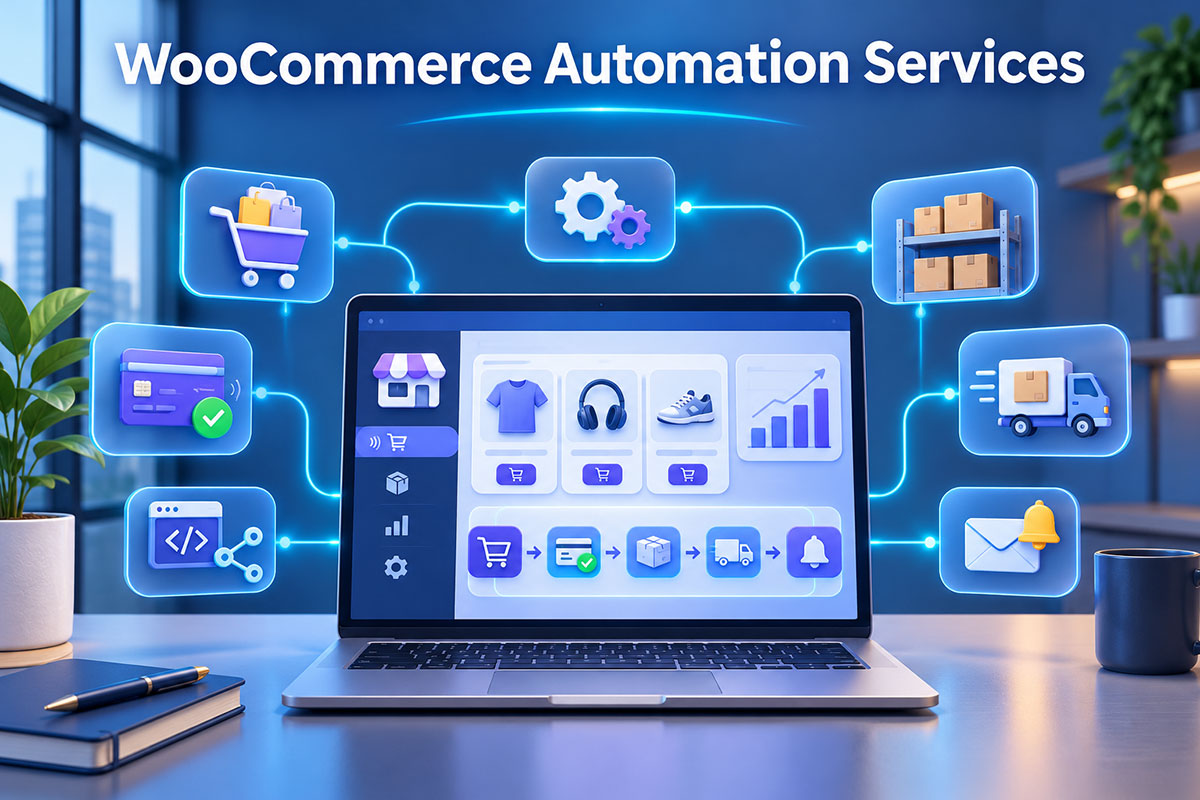
Order information is captured and transferred only where it is needed.
Manage discrepancies between your store, warehouse and sales channels more effectively.
Failed processes and outstanding actions remain visible to your team.
How Does Automated WooCommerce Order Processing Work?
Every store has its own payment and fulfillment rules. This example shows a logical workflow; the final process is configured for your specific store.
Payment Verification
Verify an authentic payment event and prevent unpaid orders from being processed.
Send to Fulfillment
Forward products, quantities and shipping methods to the warehouse or fulfillment queue.
Synchronize Systems
Update accounting, inventory and shipping platforms in a controlled way when required.
Notify & Monitor
Send updates based on actual order status and log any processing errors.
WooCommerce Automation Services at BlueBit
You do not need to implement everything at once. We prioritize the steps causing the most operational errors or wasting the most time.
Smart Order Processing
Track order status, verify payment, route tasks to the right team member and introduce approval steps for sensitive or wholesale orders.
Inventory & Stock Integration
Synchronize simple and variable product stock, match SKUs and reduce discrepancies across multiple sales channels.
Accounting & Invoicing Integration
Transfer order data to accounting systems with controlled error handling and safeguards against duplicate entries.
SMS & Customer Notifications
Send essential order, preparation and shipping updates based on verified statuses and customer preferences.
Returns & Status Changes
Define processes for cancellations, refunds, address updates and cases that require human approval.
Reporting & Error Monitoring
Monitor failed requests, processing queues and critical alerts so unfinished tasks are not overlooked.
Store Operations Need to Stay Reliable
Reliable automation must work beyond ideal conditions. Service outages, failed payments and duplicate events should all lead to predictable outcomes.

What Are the Benefits of WooCommerce Automation?
WooCommerce automation helps stores that manage orders, fulfillment and deliveries across several tools and teams. When staff manually copy purchase details from WooCommerce into spreadsheets, warehouse systems or accounting software, each step takes time and increases the chance of mistakes. Online store automation introduces clear rules for transferring data and updating statuses, freeing your team to focus on customer service, inventory management and sales growth.
One of the most common requirements is connecting WooCommerce to accounting and inventory software. This integration needs to distinguish between an order being placed and a payment being confirmed. For variable products, each variation must also have its own SKU and stock quantity matched correctly. Price and stock synchronization becomes more reliable when one system is defined as the source of truth and discrepancies are reported. For the technical connections between platforms, our API Integration services address these requirements.
Automated WooCommerce SMS messages, order tracking and shipping notifications can also be part of the solution. However, customers should not receive a separate message for every internal status change. They need to know when payment is confirmed, when an order is being prepared and where to check delivery progress. If notifications do not match the actual order status, they create confusion instead of reducing support requests. This is why message content, timing and notification service errors are considered during implementation.
For some stores, an existing plugin is enough. Wholesale ordering, customer-specific pricing, multiple warehouses or integration with proprietary business software may require custom development. In these cases, we may use WordPress & WooCommerce Development or Custom WordPress Plugin Development. When multiple services and conditional steps are involved, n8n Automation may also be an appropriate option. We choose tools to fit your workflow, not the other way around.
The cost of WooCommerce automation depends on the number of steps and connected systems, API quality, order volume, data sensitivity and custom development requirements. One store may only need notifications and a single event transfer, while another may need processing queues, error reports and multiple warehouse connections. Before providing a quote, we identify time-consuming tasks and potential failure scenarios. To find out which processes are worth automating, request a project review from BlueBit.
Key Technical Considerations for WooCommerce Automation
For serious integrations, long-term reliability and maintainability matter more than the appearance of a dashboard.
Compatibility With WooCommerce Order Storage
Custom code and plugins should work with the current WooCommerce order architecture and supported APIs. Reading directly from legacy database tables can produce incorrect results.
Validated Events & Secure Connections
Webhook endpoints should verify incoming messages, use restricted permissions and log request failures for troubleshooting.
Background Processing & Recovery
Temporary accounting or warehouse outages should not interrupt checkout. Queues and retries must also prevent duplicate operations.
Our WooCommerce Automation Process
We start with a specific operational problem, test the solution in realistic scenarios and then hand it over to your store team.
Review Your Current Setup
Assess plugins, payment methods, order volume and operational bottlenecks.
Design the Data Flow
Define triggers, the source of truth, approval responsibilities and error conditions.
Build & Test
Run controlled tests for payments, cancellations, refunds and duplicate requests.
Handover & Monitoring
Document usage, error monitoring and ongoing maintenance requirements.
WooCommerce Automation FAQs
Do I need to rebuild my website to automate WooCommerce?
Usually not. We first review your existing store. Many workflows can be implemented through targeted development or connections to tools you already use.
Can WooCommerce integrate with any accounting software?
It depends on the software version, available APIs, access permissions and data structure. We check these factors before committing to an integration.
Can stock be synchronized automatically across multiple warehouses?
Yes, when reliable data and suitable integration options are available. The inventory source of truth, product identifiers and stock reservation rules must be defined first.
How is WooCommerce order automation priced?
Pricing depends on the workflow scope, number of integrations, custom development, security requirements and support needs. We provide an estimate after reviewing the project.
Ready to Streamline Your Store Operations?
Tell BlueBit about your order process, connected systems and the operational challenges you want to solve.