Custom Development by BlueBit

Custom WordPress Plugin DevelopmentBuilt Around Your Business Workflows

When off-the-shelf tools cannot support your workflow, a custom WordPress plugin can add the functionality you actually need. From WooCommerce pricing rules to admin dashboards, data processing and secure integrations, we develop solutions around your business requirements.

Business-Specific Logic WordPress Integration Built for Maintenance
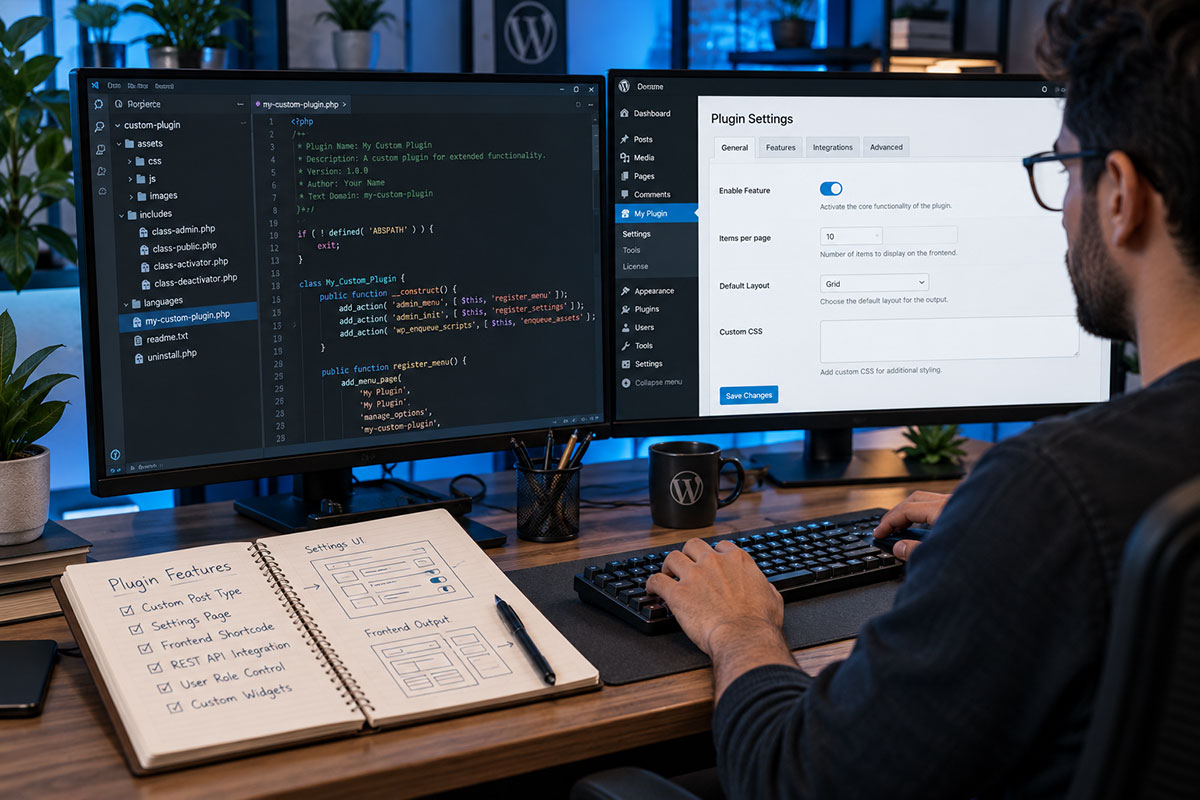
Custom WordPress plugin development by BlueBit
Purpose-Built FunctionalityWordPress / WooCommerce / API
01Independent of Theme Changes
02Aligned With Your Business Rules
03Structured Development & Maintenance
From Challenge to Solution

What Can a Custom WordPress PluginActually Do?

Rather than combining multiple general-purpose plugins to handle a complex process, we define the requirement and build a focused, manageable solution.

CUSTOM LOGIC / 01

Custom WooCommerce Rules

Adapt pricing, minimum order quantities, customer groups, shipping methods and order rules to fit the way your business sells.

  • Wholesale and tiered pricing
  • Measurement-based or custom-quantity orders
  • Custom cart and checkout rules
  • Additional order data and fields
DATA / 02

Data Import & Processing

Import product information, validate records, map categories and process bulk data with error handling and status reports.

CONTROL / 03

Custom Admin Dashboards

Create settings pages, internal tools, role-based access and reports designed around how your team works.

CONNECT / 04

Third-Party Integrations

Exchange orders, inventory and customer information between WordPress and external systems with supported APIs.

AUTOMATE / 05

Workflow Automation

Run scheduled tasks, notifications, status updates and reporting without repetitive manual data entry.

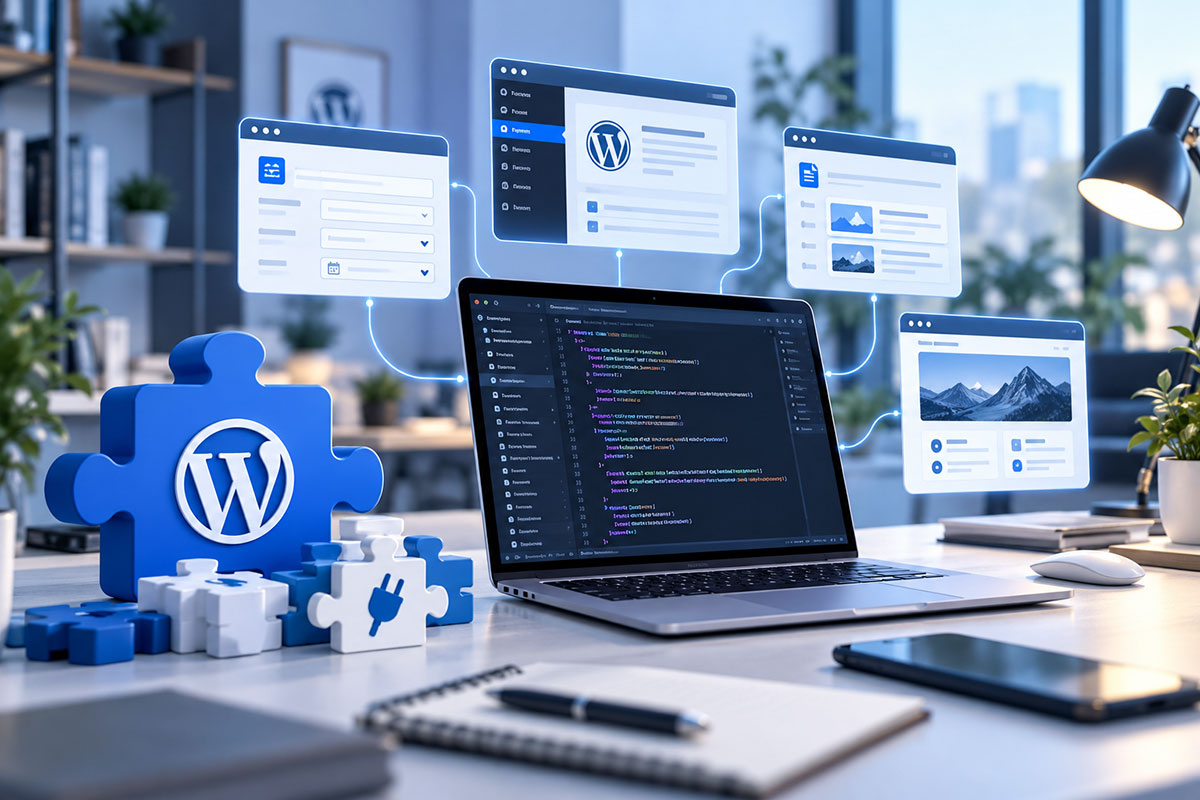
WordPress plugin development workspace
Our Development Approach

More Than Writing Code:Building Reliable Solutions

When a plugin handles orders, prices or customer information, requirements analysis and testing matter as much as implementation. We define the scope and delivery approach before development begins.

01
Requirements & Scenarios Expected outcomes, user roles, data and edge cases
02
Architecture & Approach Assess existing plugins, lightweight extensions or new modules
03
Development & Testing Permissions, WordPress compatibility and failure scenarios
04
Delivery & Documentation Admin guidance and an agreed maintenance arrangement
Choose the Right Approach

Existing Plugin orCustom Development?

Not every new feature needs custom code. The right choice depends on workflow complexity, ongoing maintenance and your future plans.

STANDARD SOLUTION

When an Existing Plugin Is Enough

If a well-maintained plugin already covers your requirements, configuring it properly is often the more cost-effective choice.

  • Common, well-defined functionality
  • Reliable maintenance and updates
  • Limited customization requirements
CUSTOM SOLUTION

When Your Workflow Is Different

If several plugins only partly solve the same problem, a focused custom module may make your workflow easier to manage and extend.

  • Specialized pricing and order logic
  • Custom data processing and user roles
  • Multi-system integration and tailored reporting
Practical WordPress Engineering

When Does Custom Plugin Development Make Business Sense?

A WordPress website can become more than a collection of pages. As a business grows, its team may need new ways to manage customer requests, apply product-specific rules or move information between systems. A custom plugin can put those processes into one manageable workflow, rather than forcing staff to switch between spreadsheets, emails and unrelated admin tools.

For a WooCommerce store, the requirements might include wholesale pricing, minimum purchase quantities, specialized product measurements or order fields that standard checkout settings do not cover. The goal is not to make the site more complicated. It is to make everyday sales operations clearer for both customers and staff while keeping the existing storefront familiar.

Plan for reliability, not just a working feature

Good plugin development starts with the data that enters and leaves a system. User permissions, validation, safe storage, error messages and compatibility with WordPress updates should be considered from the outset. Where an API is involved, the integration also needs a practical way to handle unavailable services, duplicate requests and failed operations.

Custom code is not always the right answer. Sometimes a maintained plugin, a configuration change or a small extension is enough. We review the requirements first and recommend a proportionate solution. If dedicated development is justified, we can define its modules, testing scenarios and maintenance scope before implementation begins.

Need a broader solution? Explore our WordPress and WooCommerce development services or learn how API integration can connect your existing business tools.

API & Data

Connect Your Website toThe Systems You Use

A custom plugin can bridge WordPress with the other software your business relies on. Reliable integration goes beyond sending data: validation, permissions, error handling and traceable operations all matter.

WooCommerce → a Custom Plugin → CRM / API
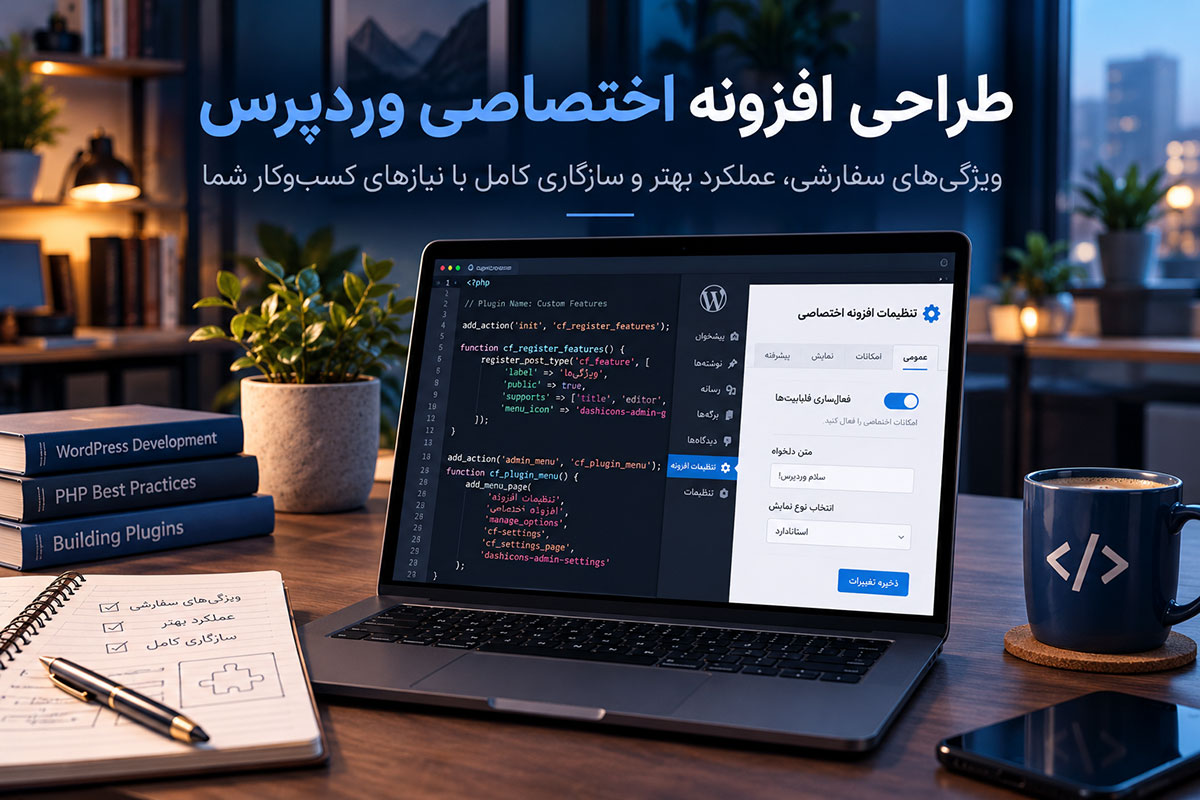
WordPress plugin API integration and connected services
Selected Development Work

Real BlueBit Projects

Examples of websites developed with business-specific structures or features.

View All Projects →
Mokabber Gallery WooCommerce project
WOOCOMMERCE / SALES RULES

Mokabber Gallery

An upholstery fabric store with functionality tailored to measurement-based sales and product-specific requirements.

View Project ↗
Smart Mohajer job platform development project
DATA MANAGEMENT / CUSTOM FEATURES

Smart Mohajer

A job and salary information platform with tailored structures for managing and displaying specialized content.

View Project ↗
Project Scoping

What Determines the Cost ofa Custom WordPress Plugin?

The cost is not simply a matter of how many buttons or settings screens a plugin has. Business logic, sensitive data, integrations and testing requirements have a greater impact. We provide a scoped proposal after reviewing the project.

  • Pricing and order logic
  • User roles and permissions
  • Admin dashboards and settings
  • External API integrations
  • Data volume and structure
  • Logging and reporting
  • Testing and version compatibility
  • Post-launch maintenance
Frequently Asked Questions

Before You CommissionCustom WordPress Development

Common questions about choosing an approach, development timelines and ongoing maintenance.

Does every new feature require a custom WordPress plugin?

No. If a reliable existing plugin meets the requirements, it is usually the preferred starting point. Custom development makes sense when off-the-shelf tools cannot support a particular workflow.

Will my plugin continue working after WordPress updates?

Using official WordPress APIs and testing for compatibility reduces risk, but no plugin can be guaranteed to remain compatible indefinitely without periodic checks.

Can a custom plugin be expanded later?

Yes, provided the architecture and data structures are planned for future changes. New features can be scoped as business requirements evolve.

How long does custom plugin development take?

Timelines depend on the number of scenarios, complexity of the logic, external integrations and testing. We estimate delivery after evaluating the requirements and existing site.

What happens after the plugin is delivered?

Handover and administration guidance are defined in the project agreement. Ongoing support, compatibility fixes and feature development can be arranged separately.

Your Custom Development Project

Need a Feature That Off-the-Shelf Plugins Cannot Deliver?

Tell us about your requirements, and we can discuss the most suitable technical approach and scope.

keyboard_arrow_up